Save your priceless AI context
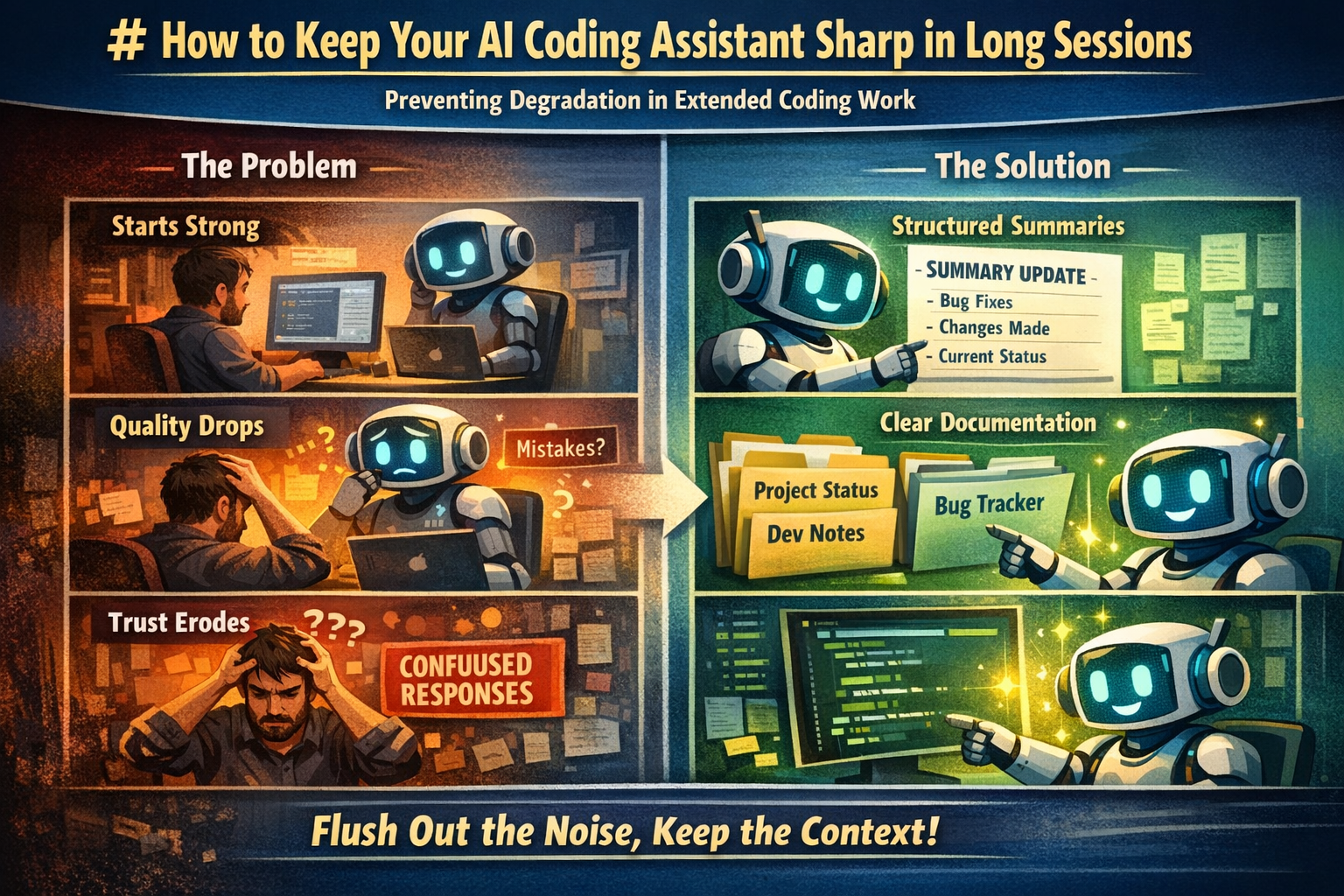
If you use a coding assistant, you know that as things get more complex, the more likely your AI will sputter and make obvious/forgetful mistakes. At this point, most will just start over and try to rebuild the context in a new session.
This process wastes time and, even worse, forces you to rebuild all the knowledge and experience repeatedly.
What if your AI context could live on and your session almost never has to restart? I've repeatedly restored sputtering AI (Manus, OpenAI, Claude) using this technique.
Want it to work for your AI? Instead of me telling you about it, I asked Claude 4.6 to describe it to you:
Just cut-and paste this into a document into your AI and ask it to read it or turn it into a skill. To be an expert, read Claude's take:
---
How to Keep Your AI Coding Assistant Sharp in Long Sessions
A practical technique for maintaining AI quality during complex, multi-hour coding work
The Problem
If you've used an AI coding assistant (Cursor, Windsurf/Cascade, Copilot Chat, Claude, etc.) for extended sessions — especially on large codebases with multiple files and interleaved tasks — you've probably noticed this pattern:
> The AI starts strong. Clear reasoning, complete solutions, good memory of what's been discussed.
> After several tasks, corrections, and context switches, quality degrades. The AI starts completing only *part* of a task. It forgets what it already tried. It confidently says something is done when it isn't.
> You start questioning every answer. Trust erodes. Eventually you give up and start a fresh conversation, losing all accumulated context.
This isn't a bug in the AI. It's a predictable consequence of how context windows work — and it's fixable without starting over.
Why It Happens
AI coding assistants have a finite context window — the rolling buffer of conversation history they can "see" at any given moment. As your session grows, older content gets deprioritized or dropped entirely.
But here's the critical insight: it's not the length that kills you. It's the noise. A long context full of *productive, linear work* holds up fine. What degrades quality is:
- Failed attempts that were corrected — the AI tried something, you pointed out it was wrong, it tried again. Both the wrong attempt AND the correction are in the context, competing for attention.
- Rapid context switching — jumping between files, features, and bugs without closing the loop on any of them. Each switch leaves a trail of partial context.
- Repeated re-verification — when trust erodes, you ask the AI to re-check its work. Now there are multiple passes over the same code, each slightly different, all in the context.
- Accumulated unresolved items — every open question or "I'll get back to that" is a dangling thread consuming attention.
The result is a context window that's technically within limits but functionally polluted. The AI is swimming in its own noise.
The Fix: Structured Documentation Flushes
The technique is simple: force the AI to write structured summaries of completed work into persistent files. This creates fresh, organized tokens that displace the noisy conversation history through natural context window prioritization.
When to Trigger
Watch for these early symptoms (the AI is still functional but degrading):
- It completes only a *piece* of a task, forcing you to ask "what about X?" each time
- It re-reads files it already read to verify work it already did
- It says "done" but missed adjacent issues that should have been obvious
- It's been context-switching between 3+ sub-tasks without documenting any of them
Don't wait until it's broken. The technique works best as preventive maintenance, not emergency surgery.
How to Do It
Tell your AI something like: "Pause coding. For every task you've completed in this session, write a clean summary entry into [your tracking file]. Include: what was wrong, what you changed, which files, and current status. Update — don't create new files."
The key principles:
1. Stop coding first. The AI needs to switch from "doing" mode to "synthesizing" mode.
2. Write into persistent files, not chat. A summary in a markdown file that lives in the project is a structured artifact. A summary in chat is just more conversation noise. The file will be there for future sessions too.
3. Be thorough in a single pass. Touch every completed item. The breadth is what displaces the noise — you're covering the same ground as the messy conversation but in 1/10th the tokens.
4. Update existing documents. If you already have a status file or changelog, add to it. Creating new files for each flush defeats the purpose (consolidation, not proliferation).
5. Resume work. The AI should feel noticeably sharper. The documents it just wrote are now the freshest, most structured content in its context.
Why It Works
Context windows prioritize recent content. When the AI *writes* a structured summary of work it already did, those new tokens are:
- Fresh — they're the most recent content in the window
- Organized — clean, structured entries vs. messy conversation back-and-forth
- Complete — each entry captures the conclusion, not the journey
- Self-reinforcing — the act of writing forces the AI to re-process each item through a structured lens
Meanwhile, the old conversation tokens (with all their false starts, corrections, and re-reads) become stale and get deprioritized. It's gradual garbage collection. Not instant — but real and measurable.
The Displacement Pass
There's a useful way to think about what's happening here: every structured artifact the AI produces is a displacement pass over the context window.
When an AI writes a bug report entry that says "root cause: `safe_http_request` was missing `cancel_request()` before retry" — that single line displaces the *entire original sequence* that produced it: the grep to find the function, reading both project versions, diffing them, identifying the gap, applying the edit, verifying it, responding to user skepticism, re-verifying. All of that occupied hundreds of tokens. The summary captures the same conclusion in one sentence.
The key insight is that displacement passes are cumulative and stackable. A documentation flush is one displacement pass. A code review that produces a structured summary is another. A step-through audit that traces the full game flow and writes up findings is yet another. Each one converts a swath of noisy, fragmented context into compact, organized reference material.
You can even use displacement passes *proactively* — not just to clean up past mess, but to prepare for upcoming work. Having the AI write a brief plan or trace a code path before implementing changes creates fresh structured context that crowds out whatever noise existed before.
The practical implication: if you notice quality dipping, don't just tell the AI to "try again." Give it a task that forces it to *write something structured about what it knows*. The act of writing is the fix.
Scaling the Technique
For Short Sessions (1-2 hours, single feature) You probably don't need this. Standard conversation works fine.
For Medium Sessions (2-4 hours, multiple features) One flush at the midpoint or after completing a cluster of related tasks. A simple status file is sufficient.
For Long Sessions (4+ hours, complex multi-file work) This is where the technique shines. Maintain 2-3 persistent documents:
- Project Overview — architecture, key files, constraints, patterns. Written *for the AI* as a reference. Update it whenever major decisions change.
- Feature/Bug Status — every completed item, every known issue, every pending task. This is the AI's "memory."
- A workflow file — instructions for the AI on *how* to perform the flush, so you can trigger it with a short command instead of re-explaining.
For Multi-Session Work
The persistent documents become your handoff mechanism. Instead of relying on conversation summaries or checkpoints (which are lossy), you have structured files that a fresh conversation can read and immediately reach ~70% context, without any noise.
Advanced: User-Side Garbage Collection
You can also help the AI by narrowing its scope — surgically removing categories of concern:
- "I'll handle the scene layout — you just wire the data logic." → Eliminates all visual/positioning tokens.
- "Don't add nodes yourself, just tell me what to add." → Eliminates scene-modification anxiety.
- "Ignore files X and Y, they're fine." → Collapses an entire audit surface.
Each of these statements removes a cloud of scattered worries from the AI's attention and replaces them with a single clear constraint. It's intentional garbage collection from the user side.
What This Doesn't Fix
- Genuine knowledge gaps. If the AI doesn't know an API or made a wrong assumption, documentation won't help. It needs to re-read the actual code.
- Stuck loops on a single hard problem. If the AI has tried the same fix 3 times with no progress, the issue isn't context noise — it's a reasoning limitation. Start a fresh conversation with the status documents.
- Token limit exhaustion. If the context window is truly full, a flush helps but can't create more space. At some point, a fresh conversation is the right call.
The Bigger Picture
This technique works because AI coding assistants aren't stateless query engines — they're running on an evolving context that degrades predictably under certain conditions. Understanding those conditions and actively managing the context is a skill, just like managing git branches or database indexes.
The users who get the best results from AI coding assistants aren't necessarily the best prompt engineers. They're the ones who understand the medium they're working in — and maintain it.
---